Changelog

See what's new in FlowPick. Release notes for every version.

v1.0.0 — First Public Release 🚀

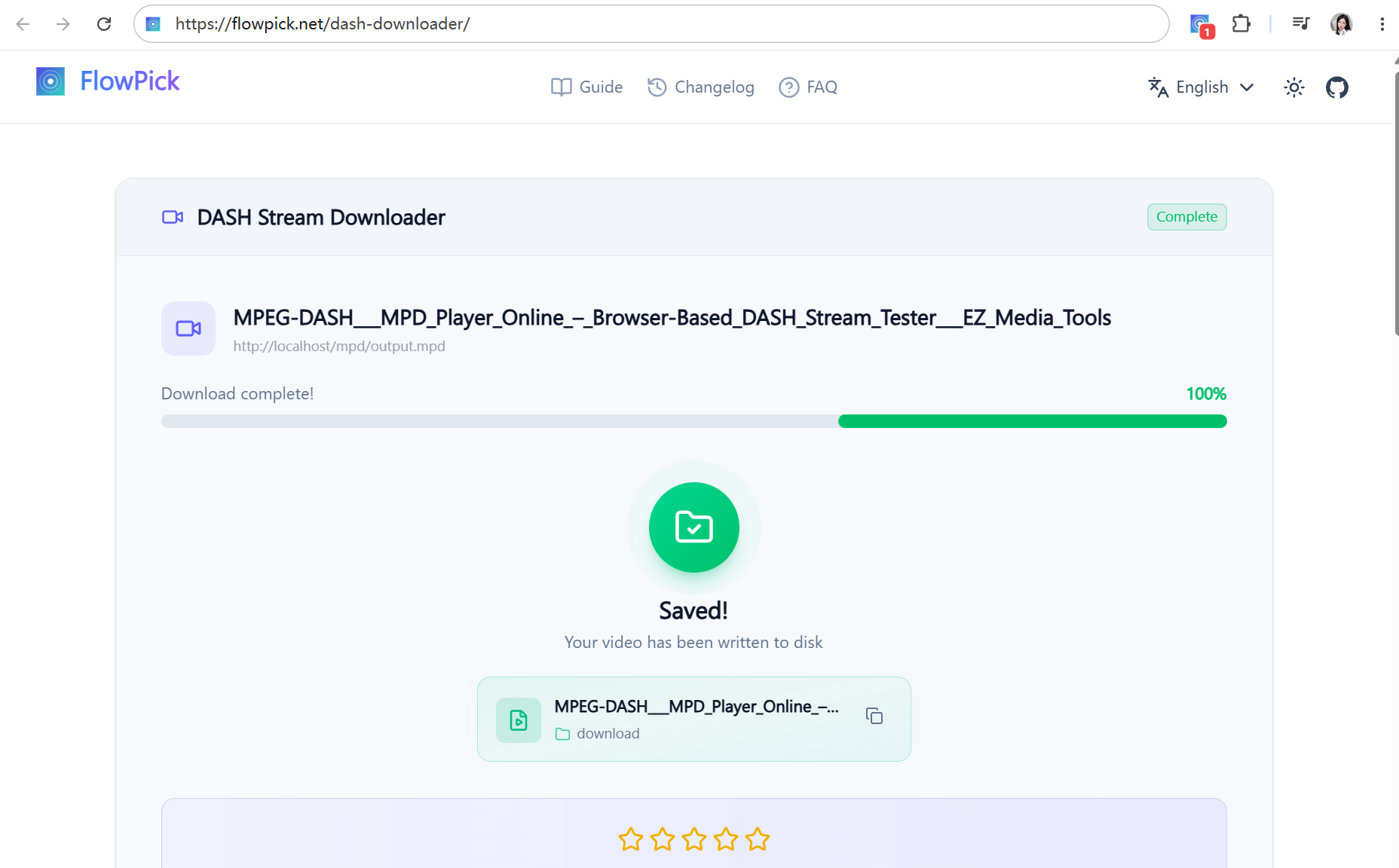
FlowPick is here! A lightweight browser extension that auto-detects M3U8/HLS, MPD/DASH, MP4, audio & images, merges fragments in-browser, and keeps your data 100% local.
v1.0.0 — First Public Release 🚀

🚀 We're thrilled to launch FlowPick v1.0.0! A privacy-first media sniffer & downloader that works entirely in your browser — no FFmpeg, no servers, no data collection.

Video Sniffing

  • 🔍 Auto-detect M3U8/HLS and MPD/DASH streaming manifests
  • đŸŽ¯ Quality selection for adaptive streams (1080p, 720p, etc.)
  • 🔗 In-browser fragment merging — no FFmpeg needed
  • đŸ“ē Direct download for MP4, WebM, FLV files

Audio Capture

  • đŸŽĩ Detect MP3, AAC, WAV, OGG, FLAC, M4A resources
  • 🎧 Built-in audio player for preview before download
  • đŸŽ™ī¸ Support for podcasts, music, and sound clips

Image Download

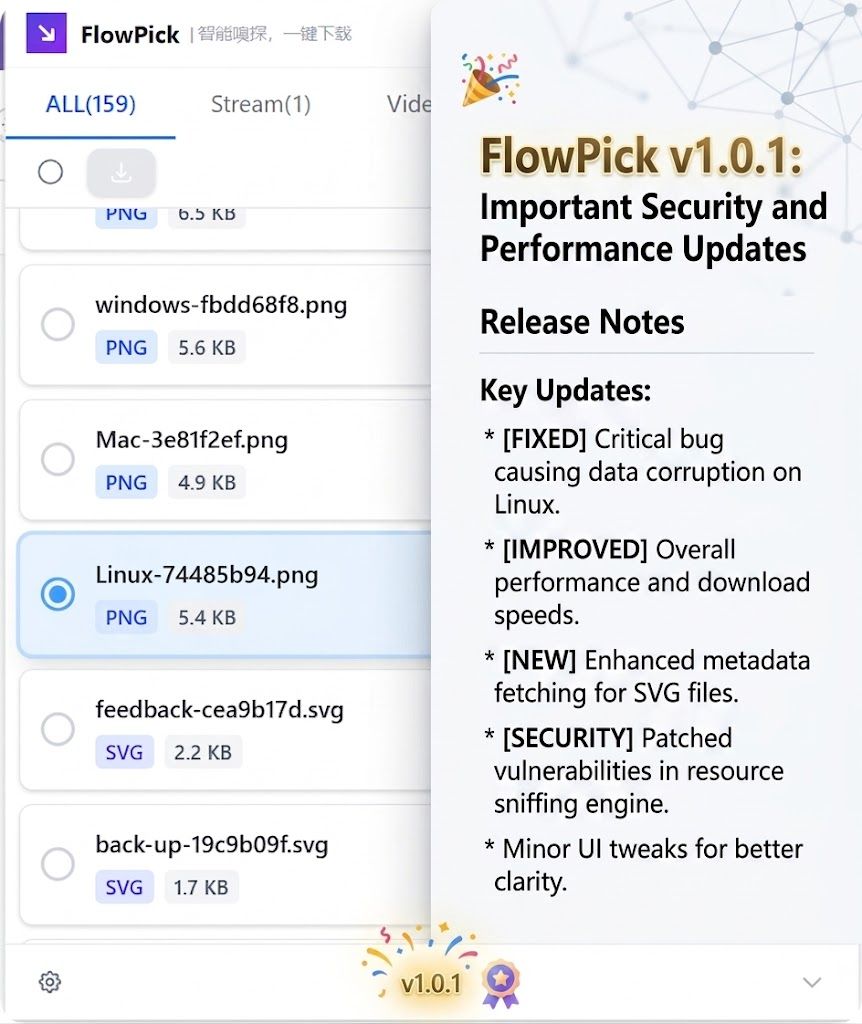
  • đŸ–ŧī¸ Batch download JPG, PNG, GIF, WebP, SVG, AVIF
  • đŸ‘ī¸ Thumbnail preview with dimensions and file size
  • 📐 Smart filtering by size, format, and dimensions

Smart Filtering

  • 📁 Filter by media type (Video / Audio / Image)
  • 📏 Filter by file size — auto-skip ad segments
  • âąī¸ Filter by duration for video and audio
  • 🔍 Search within detected resources

Download Manager

  • ⚡ Multi-threaded parallel fragment downloads
  • 📊 Progress tracking with estimated time remaining
  • đŸ“Ļ Batch download with queue management
  • 💾 One-click "Pick" to download any resource

Privacy & Security

  • 🔒 Zero data collection — no analytics, no tracking
  • đŸ–Ĩī¸ 100% local processing — nothing leaves your browser
  • 🌙 Dark mode with system preference detection
  • âŒ¨ī¸ Keyboard shortcuts (Alt+Shift+F / Alt+Shift+D)

Browser Support

  • 🌐 Google Chrome
  • 🌐 Microsoft Edge

This is just the beginning. Firefox support and more features are on the way! ✨